Editor UI gallery
A visual tour of the Rust Doppio workspace, captured off-screen by the headless driver so every image matches the current widget tree.
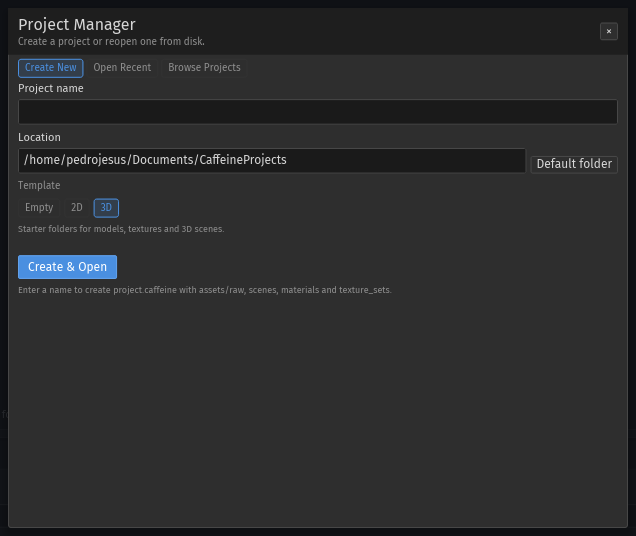
Startup and project manager#
Doppio starts in the project manager when no scene is passed on the command line. The dialog has three tabs:
| Tab | Purpose |
|---|---|
| Create New | Project name, location, template (Empty / 2D / 3D) and Create & Open. |
| Open Recent | Recent projects with search and Open Selected. |
| Browse Projects | Scans a folder for project.caffeine files. |
The default projects directory is ~/Documents/CaffeineProjects; override it with
CAFFEINE_PROJECTS_DIR. The manifest is project.caffeine, and the standard folders
are created on demand.
Default workspace#
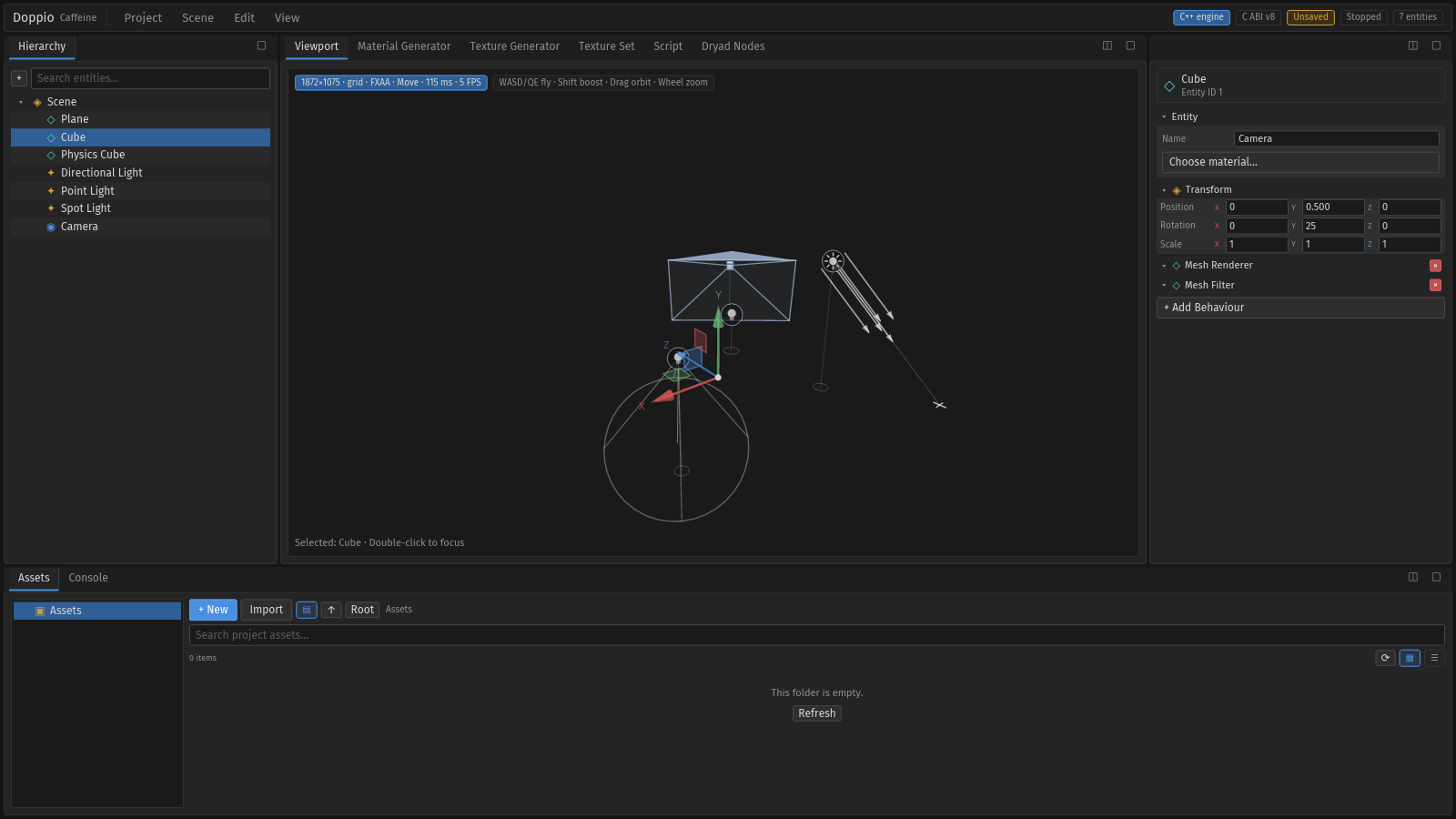
The same capture flow can record motion: menus open, a hierarchy row is selected, and the result is encoded to MP4 by ffmpeg.
The workspace is a single Iced window split into four docked regions:
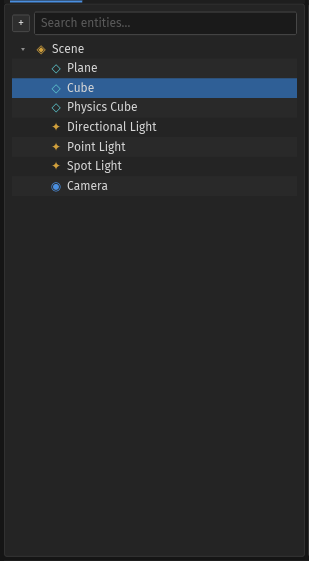
- Hierarchy on the left.
- Viewport and the content tools in the centre.
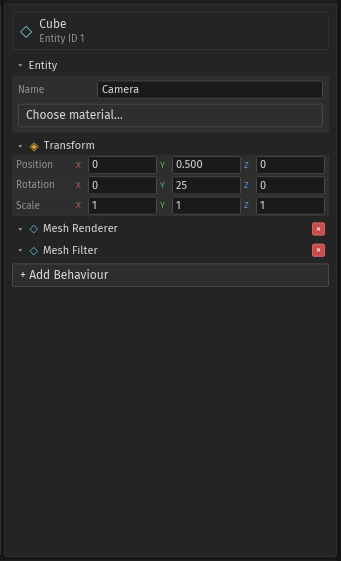
- Inspector and the asset generators on the right.
- Assets + Console in the bottom dock.
Tabs can be dragged between panes; the docking guide shows the centre and edge
targets. Pane buttons maximise and restore. Layout presets are Ctrl+1 (Default) and
Ctrl+2 (Viewport).
Panes#


Menus#
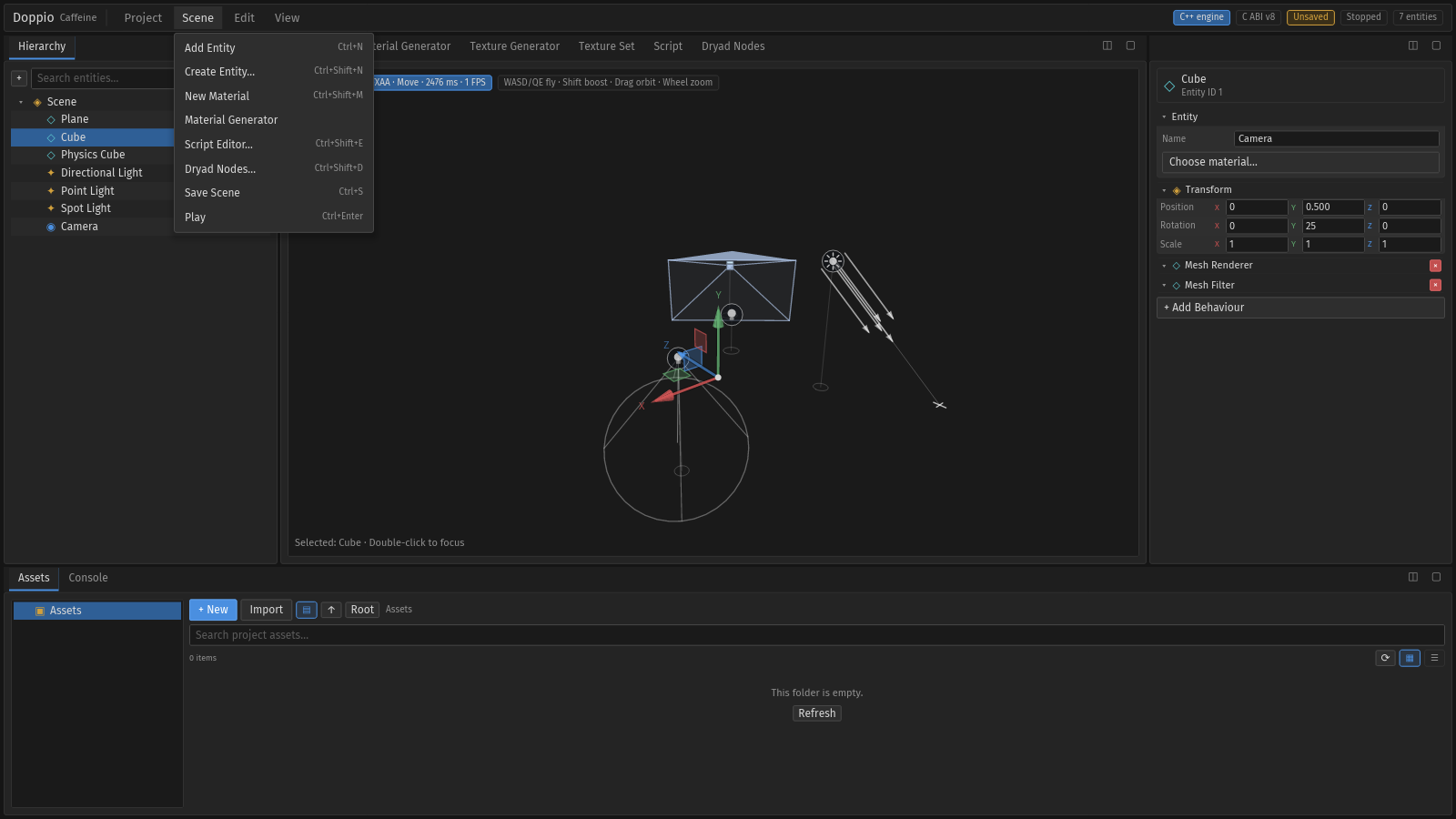
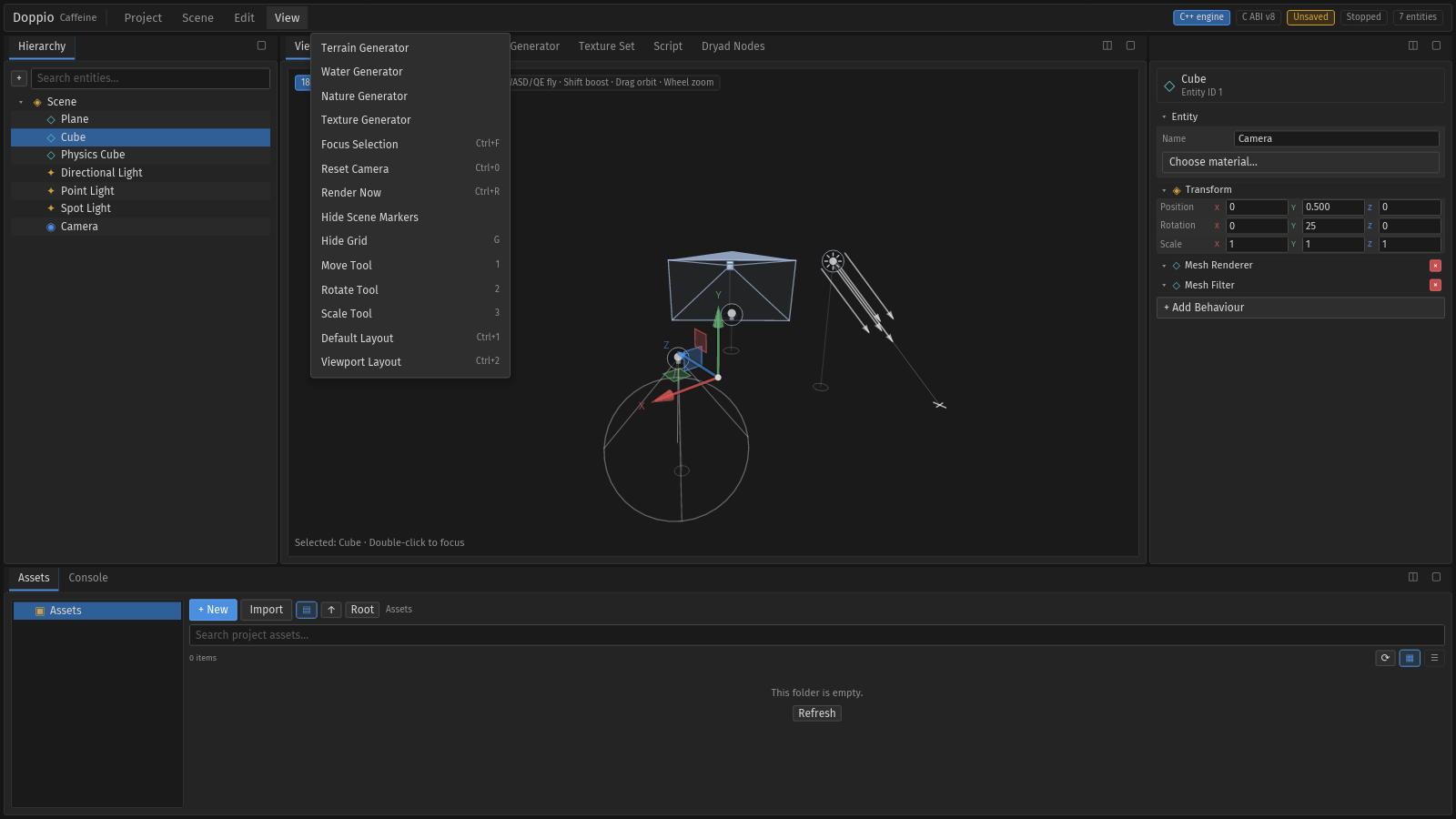
The menus are floating overlays. Hovering a widget behind an open menu does not close
it; click outside, press Escape or choose an item.
Content tools#
Material Generator#
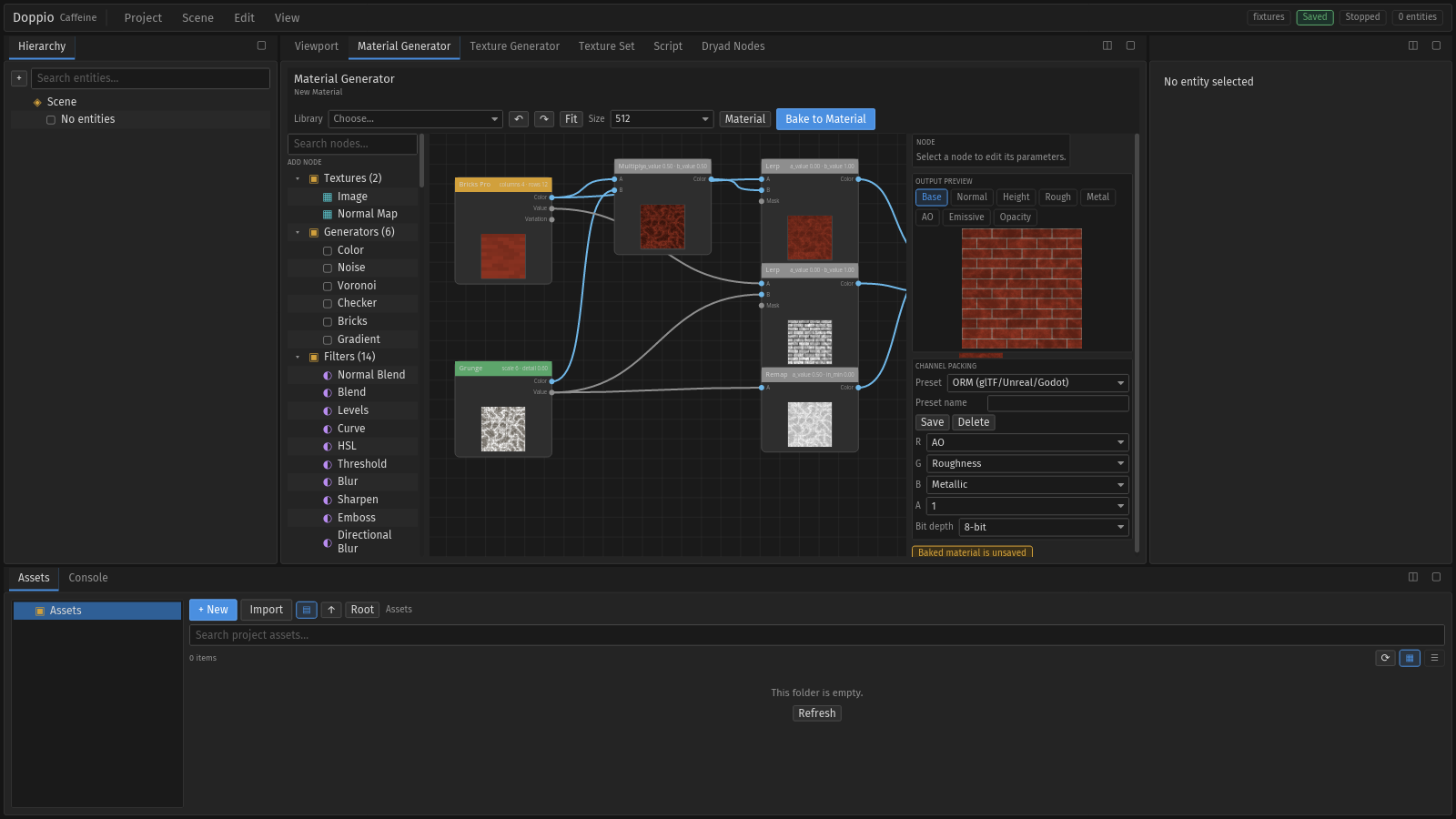
.mat.Texture Generator#
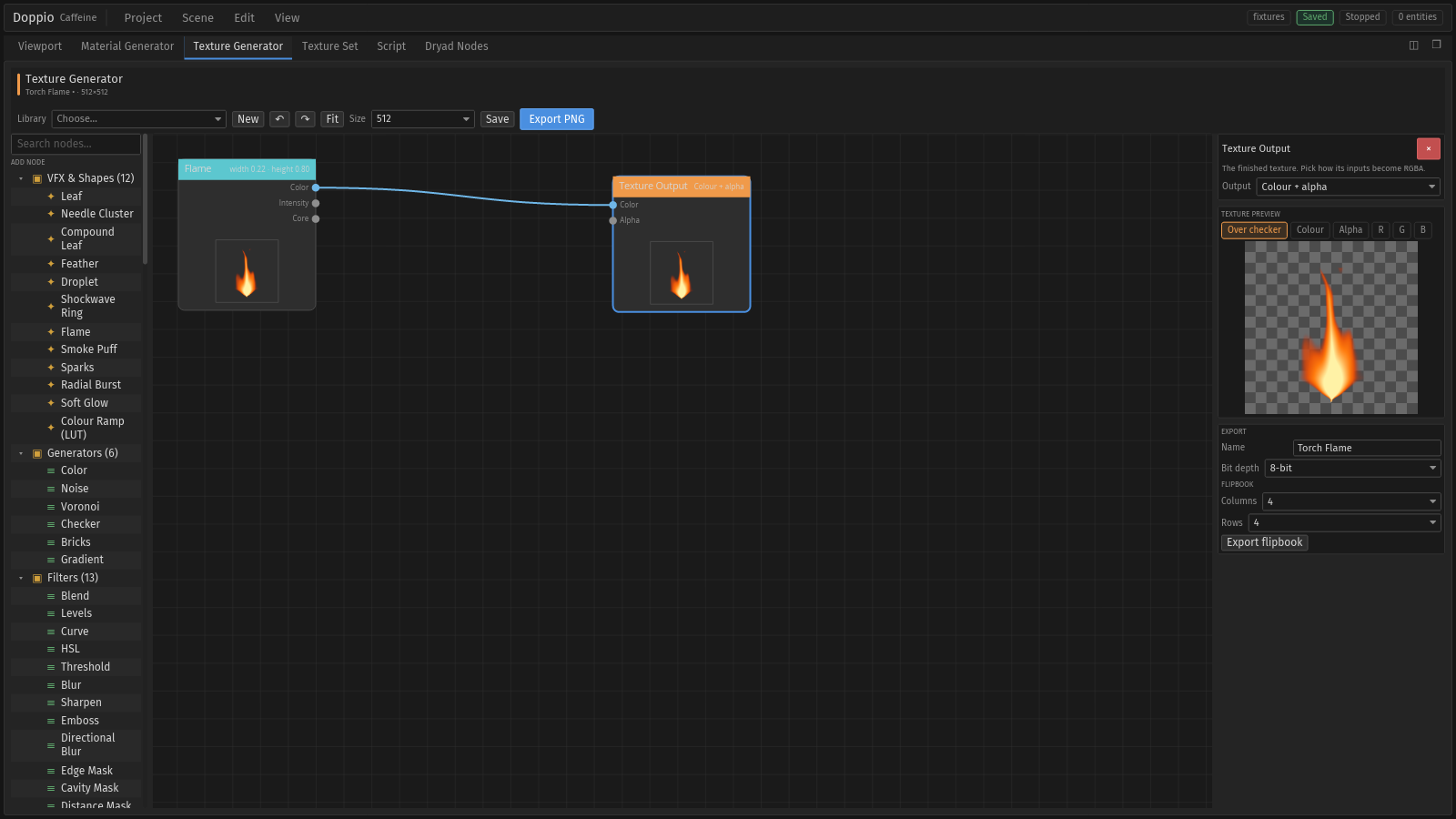
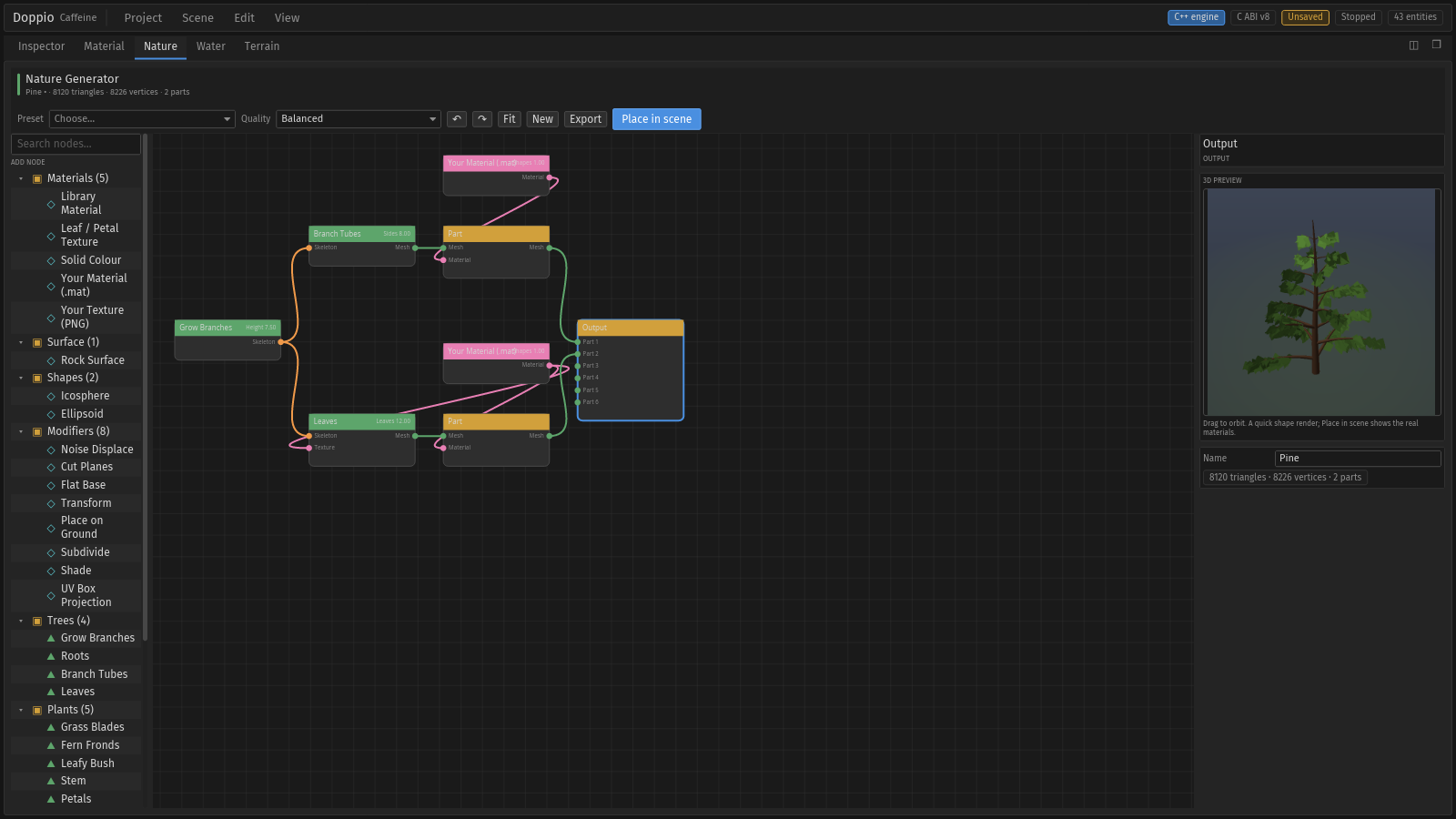
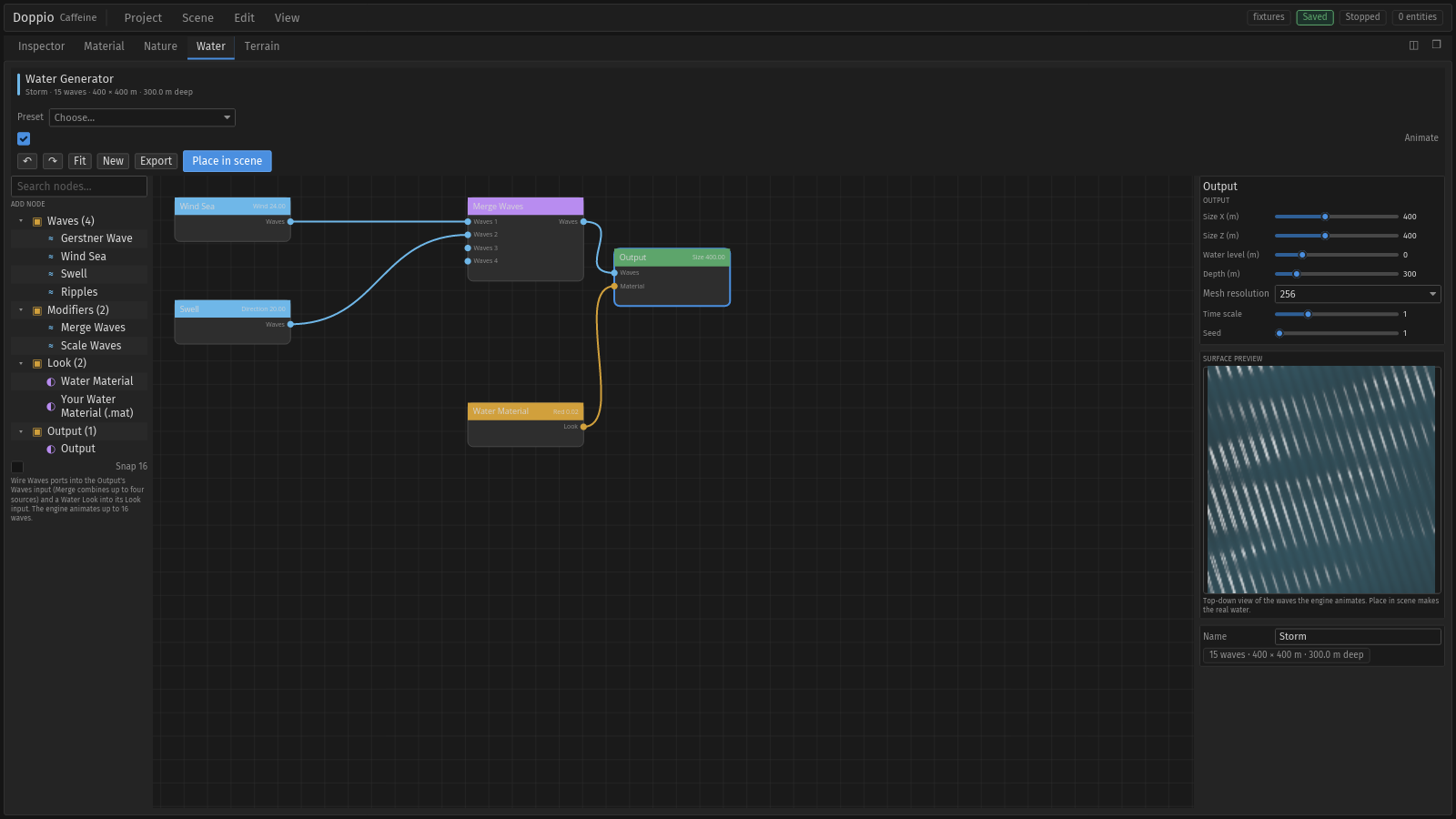
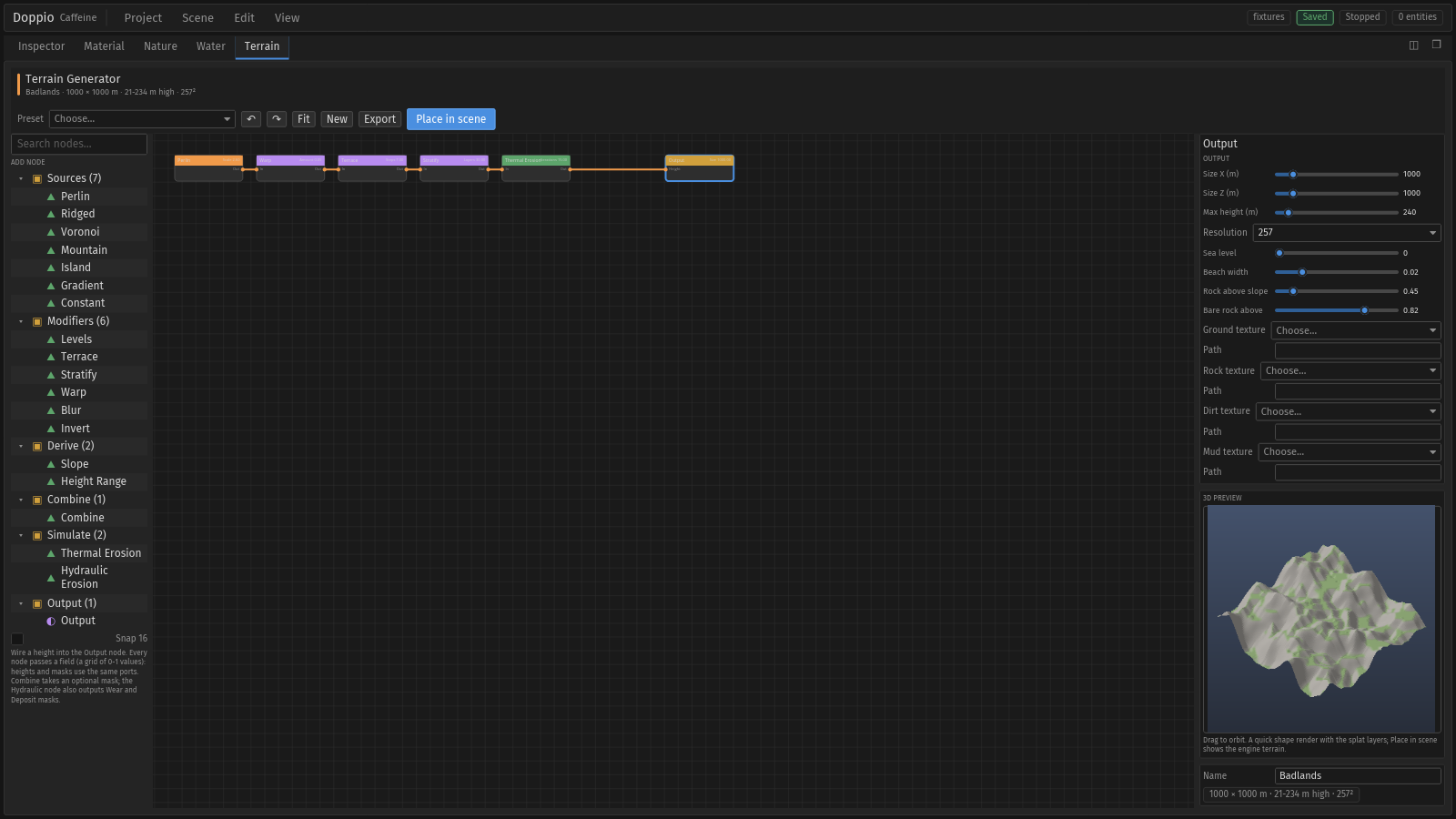
Nature, Water and Terrain#
Rebuilding this gallery#
The images come from a committed headless flow:
./scripts/capture-editor-docs.sh   # PNGs
./scripts/capture-editor-tour.sh   # MP4 + GIF
It writes stable names under doppio/docs/images/editor/. Copy the files into
content/{en,pt}/docs/images/editor/ after regenerating. Do not edit the PNGs by
hand.