Caffeine

Doppio UI reference

Generated Doppio

Generated by `cargo test -p doppio-ui capture_ui_gallery -- --ignored`. Descriptions live in `doppio/docs/ui-captions.json`.

editor.pane.tab.texture_generator#
editor.pane.tab.texture_generator
Tab of the Texture Generator pane.

editor.menu.project#

editor.menu.project
Project menu: Project Manager and asset refresh.

editor.menu.scene#

editor.menu.scene
Scene menu: add, save and play.

editor.menu.edit#

editor.menu.edit
Edit menu: undo, redo and delete.

editor.menu.view#

editor.menu.view
View menu: focus, camera reset and render.

editor.pane.hierarchy#

editor.pane.hierarchy
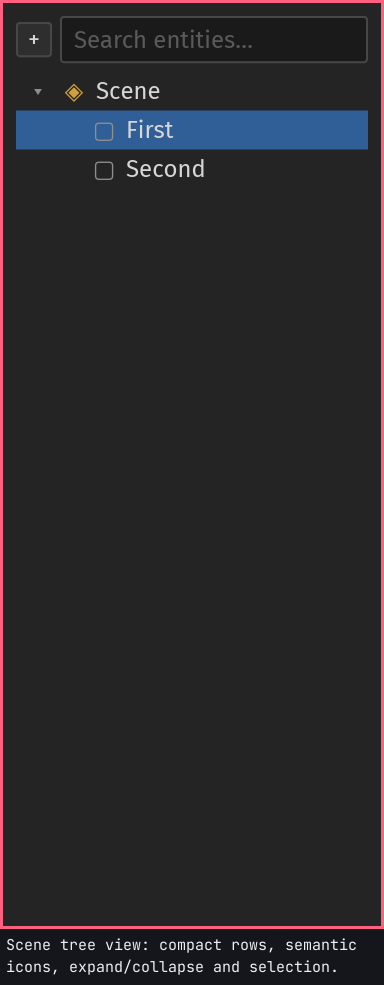
Scene tree view: compact rows, semantic icons, expand/collapse and selection.

editor.pane.assets#

editor.pane.assets
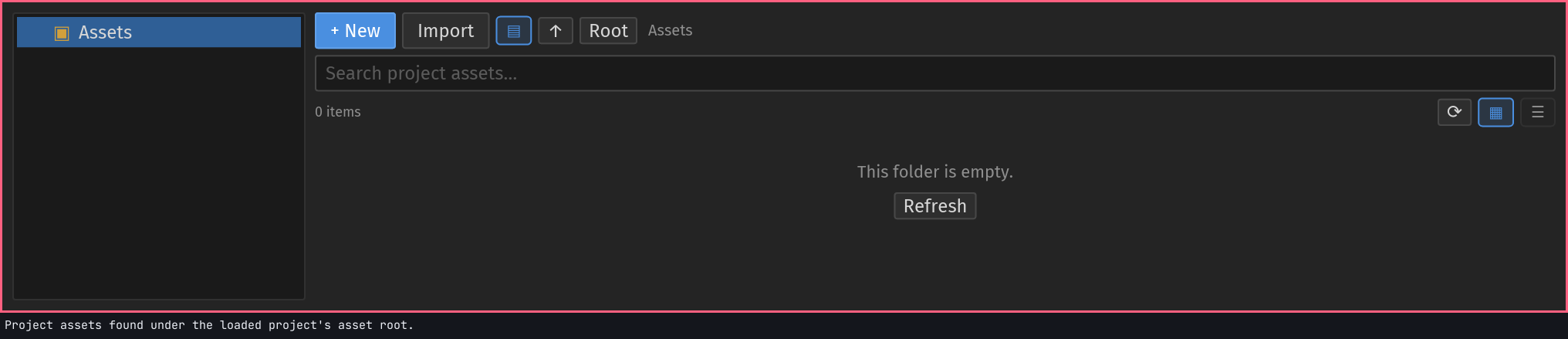
Project assets found under the loaded project's asset root.

assets.toolbar.search#

assets.toolbar.search
Filters the asset browser by file name or path.

assets.toolbar.up#

assets.toolbar.up
Moves to the parent folder in the asset browser.

assets.toolbar.root#

assets.toolbar.root
Returns the asset browser to the asset root.

assets.toolbar.refresh#

assets.toolbar.refresh
Rescans the project asset root.

assets.toolbar.view_grid#

assets.toolbar.view_grid
Shows assets as thumbnail cards.

assets.toolbar.view_list#

assets.toolbar.view_list
Shows assets as compact rows.

assets.tree.empty#

assets.tree.empty
Shown when a folder or search has no assets.

assets.toolbar.new#

assets.toolbar.new
Opens the asset wizard on the Create tab (folder, material, script…).

assets.toolbar.import#

assets.toolbar.import
Opens the asset wizard on the Import tab.

assets.toolbar.tree_toggle#

assets.toolbar.tree_toggle
Shows or hides the folder tree beside the file view.

assets.tree.folders#

assets.tree.folders
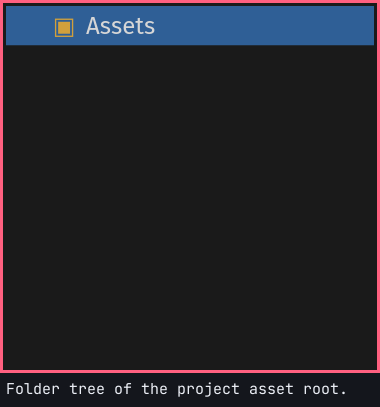
Folder tree of the project asset root.

viewport.canvas.gizmo#

viewport.canvas.gizmo
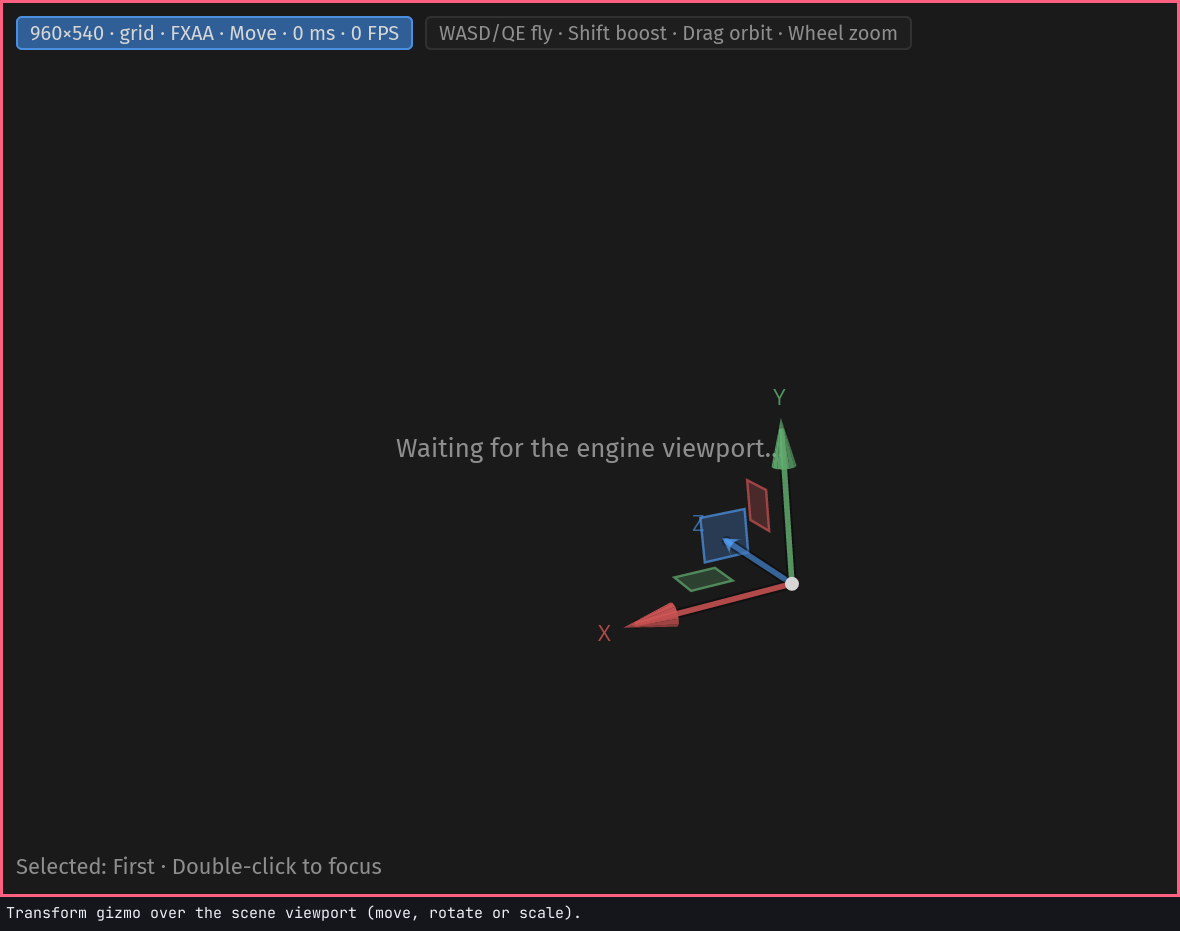
Transform gizmo over the scene viewport (move, rotate or scale).

editor.pane.viewport#

editor.pane.viewport
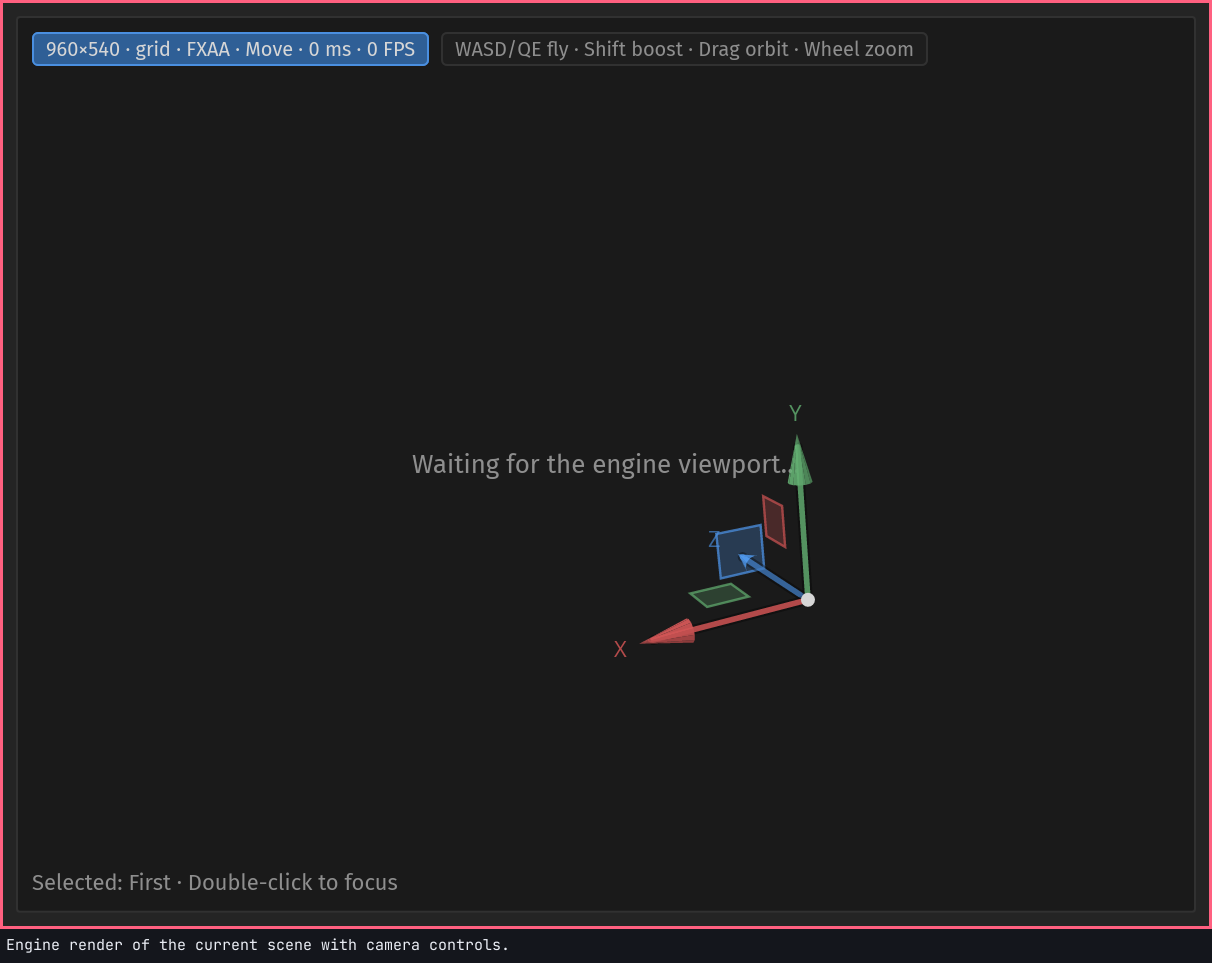
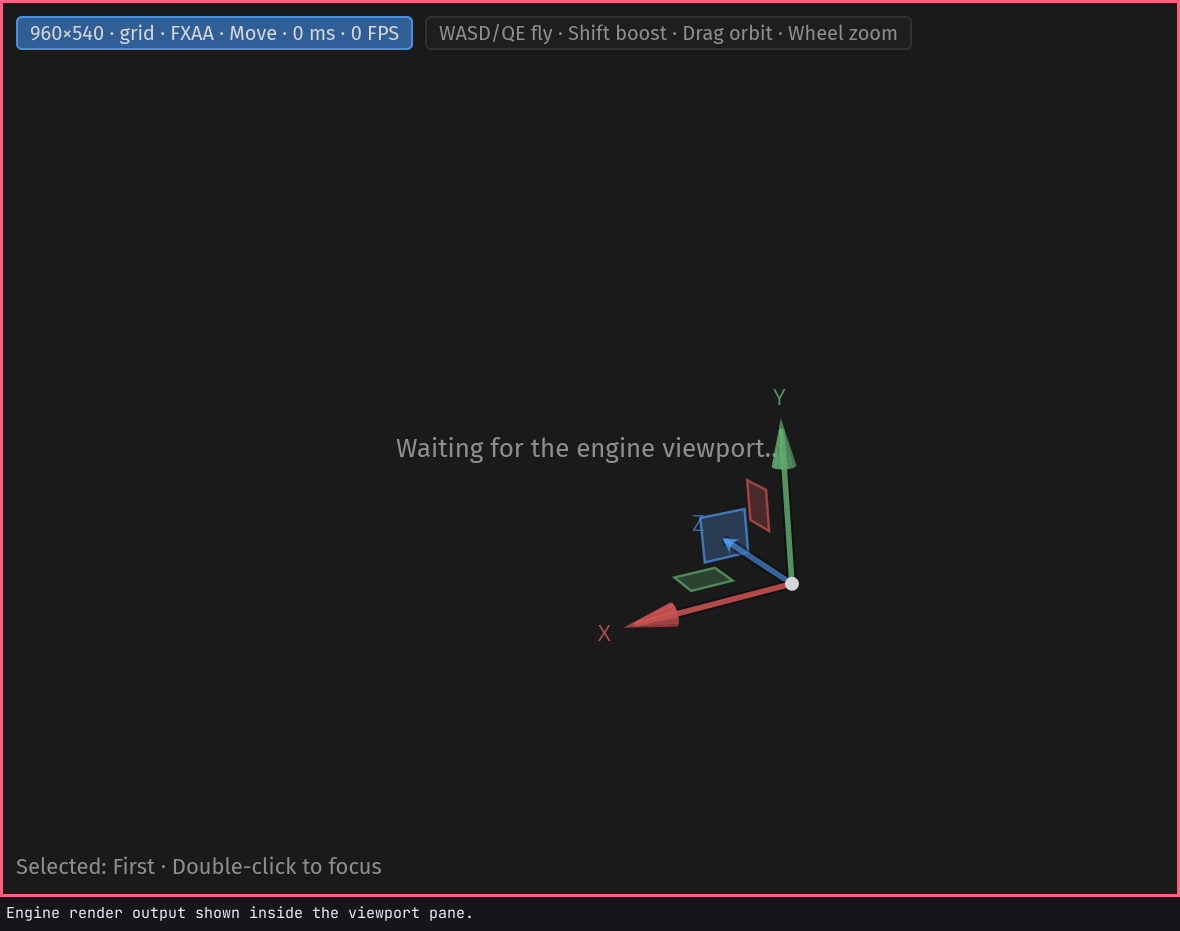
Engine render of the current scene with camera controls.

editor.pane.inspector#

editor.pane.inspector
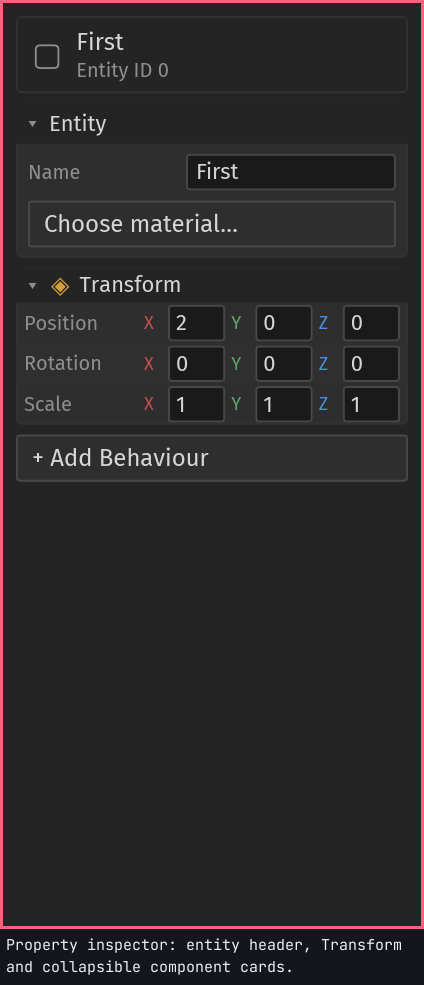
Property inspector: entity header, Transform and collapsible component cards.

inspector.material.picker#

inspector.material.picker
Opens the searchable .mat material picker for the selected entity.

inspector.behaviour.add#

inspector.behaviour.add
Adds a behaviour to the selected entity: a component, script, mesh or material.

hierarchy.toolbar.add#

hierarchy.toolbar.add
Adds a new entity from the Hierarchy toolbar.

hierarchy.tree.scene#

hierarchy.tree.scene
The scene root row of the hierarchy tree.

hierarchy.search#

hierarchy.search
Search field for filtering hierarchy entities.

editor.pane.tab.hierarchy#

editor.pane.tab.hierarchy
Hierarchy tab in a shared pane.

editor.pane.tab.assets#

editor.pane.tab.assets
Assets tab in a shared pane.

editor.pane.tab.viewport#

editor.pane.tab.viewport
Viewport tab in a shared pane.

editor.pane.tab.script#

editor.pane.tab.script
Script editor tab in a shared pane.

editor.pane.tab.dryad_nodes#

editor.pane.tab.dryad_nodes
Dryad Nodes tab in a shared pane.

editor.pane.tab.console#

editor.pane.tab.console
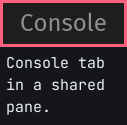
Console tab in a shared pane.

viewport.canvas.surface#

viewport.canvas.surface
Engine render output shown inside the viewport pane.

inspector.entity.name#

inspector.entity.name
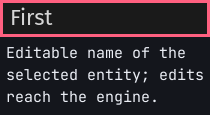
Editable name of the selected entity; edits reach the engine.

hierarchy.list.entity_row.0#

hierarchy.list.entity_row.0
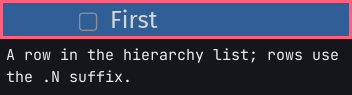
A row in the hierarchy list; rows use the .N suffix.

hierarchy.list.entity_row.1#

hierarchy.list.entity_row.1
A row in the hierarchy list; rows use the .N suffix.

annotated.inspector#

annotated.inspector
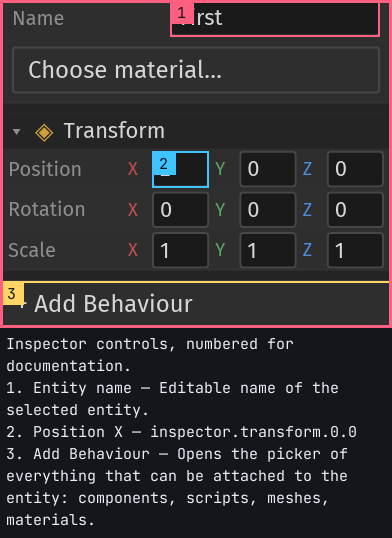
Inspector controls, numbered for documentation.